

Design tools · free, no sign-up to try
Design it here,
we make it
Draw the part, see it folded in 3D and put it in a BOQ. Every tool starts with a real example you can change. You need an account only to keep your BOQs and get the password for their files.
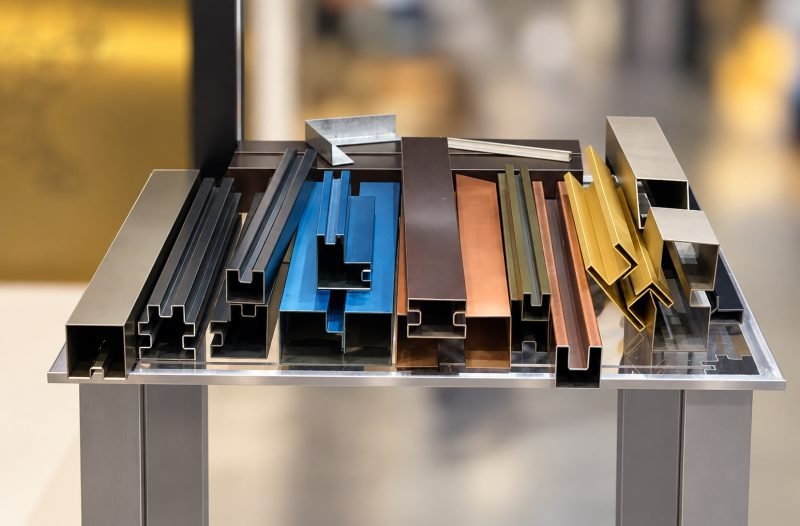
Build items for your BOQ
Pick a tool,
try the example
Any folded section
Example: a U channel 20 × 40 × 20 mm, 2,400 long. You enter each leg, the bend direction and angle, the metal and the finish. Try this tool →
Panel BuilderPanels folded on four sides
Example: a 600 × 600 cassette with 25 mm returns, plain or perforated. You enter the face size, the returns and lips, and the holes. Try this tool →
Fluted Panel BuilderV or box flutes
Example: a fluted wall panel on a 4 × 8 ft sheet. You enter the flute shape, depth and spacing. Try this tool →
Perforation Pattern StudioYour own hole pattern
Example: fine rounds fading upwards on a 1200 × 600 panel. You set holes, rows, borders, a size gradient and plain areas, and edit holes by hand. Try this tool →
Louver PlannerBlades, angle and supports
Example: Z blades at 45° in a 2400 × 1500 window. You enter the opening, the blade, the angle and the pitch. Try this tool →
BOQ BuilderAll items in one BOQ
Everything you add from the tools above, with a drawing of each item, as one PDF. Prices come from MCS on request. Open my BOQ →
Check and choose
Before you
decide
See the corner in 3D
A normal bend and a V-grooved bend side by side, any metal, 0.6 to 3.8 mm. Try this tool →
Section explorerCan this section be made?
L, U, Z, T, J, box and glass channels we have made, with real examples. Try this tool →
Sheet selection wizardWhich sheet for your part?
Six short questions suggest the metal, grade, finish and process, with the reasons. Try this tool →
PVD colour previewColours on four finishes
Gold, rose gold, champagne and bronze PVD on mirror, hairline, matte and bead blast steel. Try this tool →
Getting started
From idea to
quotation
Start a project
Rather send
your own drawing?
A DXF, a PDF, a sketch with sizes or a photograph is enough. Our design team does the rest.