




Capability 02
CNC Fibre
Laser Cutting
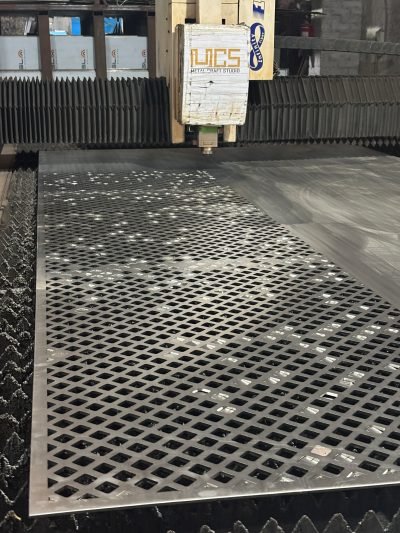
MCS cuts flat sheet on a CNC fibre laser: perforated façades, decorative screens, profiles and custom architectural parts. Small details come out sharp, and every part in a run is cut to the same accuracy.

On the laser
From the file
to the blank

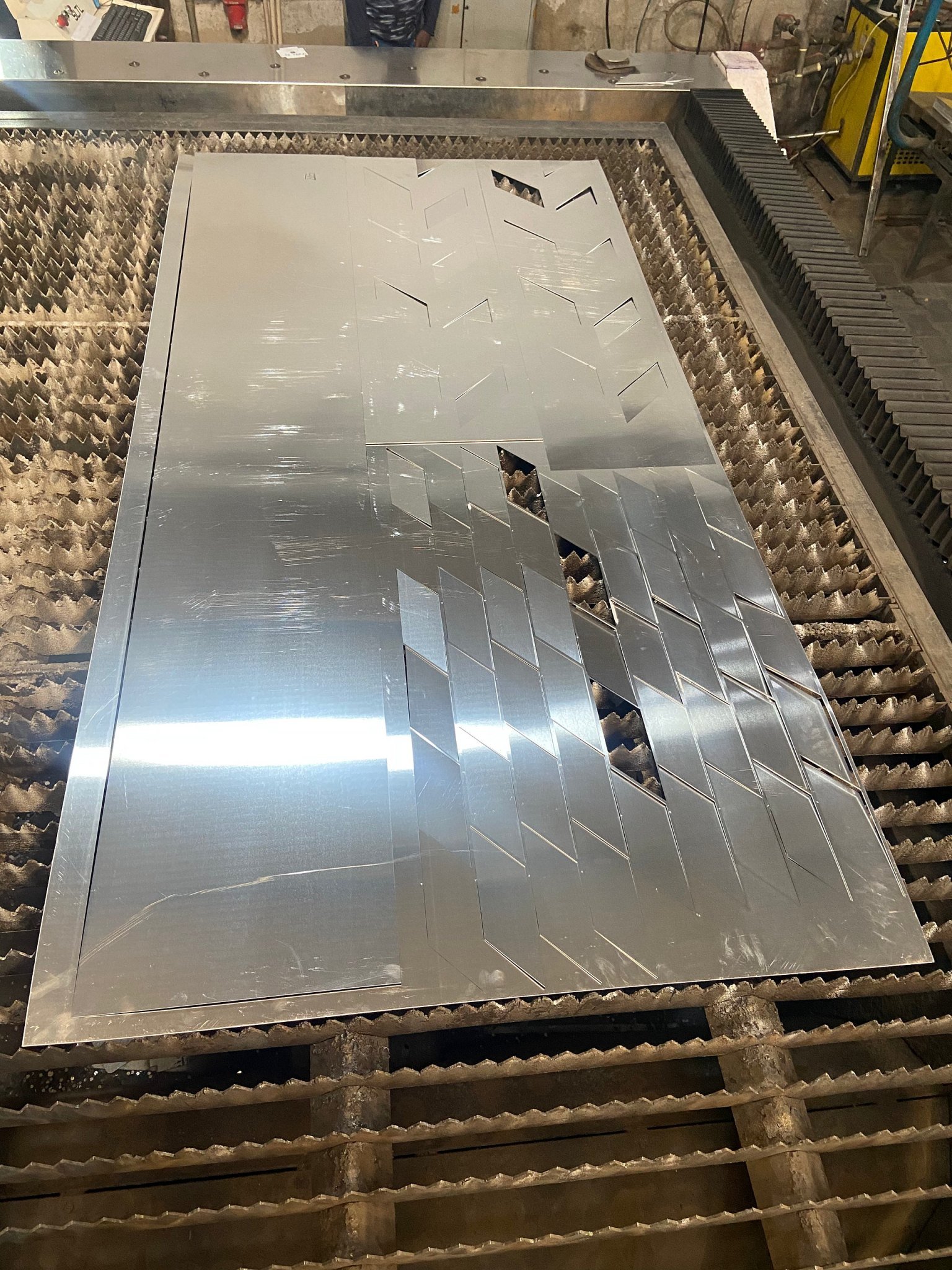


From your file to a flat blank
How a part
is laser cut
What we cut
Flat parts,
patterns and blanks
 Perforation
Perforated panels
Round, square, slot or picture patterns for façades, ceilings and screens.
 Patterns
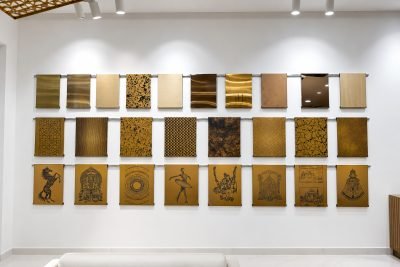
Decorative screens
Leaves, trees, geometric and custom motifs, cut from a drawing or a picture.
 Geometry
Geometric cuts
Repeating patterns cut across a full sheet.
 Blanks
 for bending
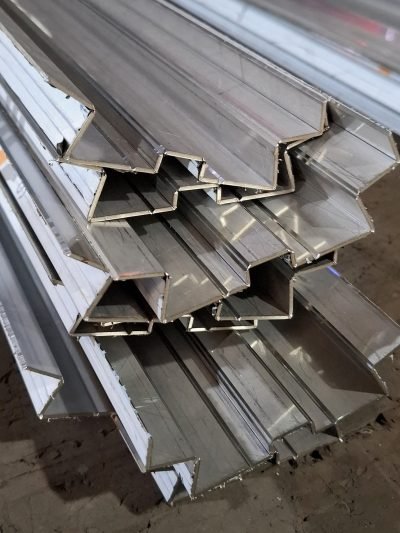
Flat blanks for profiles, trays and panels, nested to use the sheet well.
Laser cutting at a glance
What the laser
takes
| Machine | CNC fibre laser |
|---|---|
| Bed size | 2 m × 4 m: a full 4 × 8 ft sheet |
| Thickness | Up to 16 mm mild steel and 8 mm stainless steel |
| Metals | Stainless steel, mild steel, aluminium, brass and copper |
| Cuts | Outlines, holes, slots, notches, perforation and patterns |
| Files | DXF or DWG preferred; a PDF or a sketch with sizes also works |
Questions and answers
Laser cutting:
questions
What file should I send?
A DXF or DWG at full size in millimetres is best. A PDF or a sketch with sizes also works, and our design desk draws the cut file for you to approve.
How thick can you cut?
Up to 16 mm mild steel and 8 mm stainless steel. For other metals, tell us the metal and thickness.
Can you cut a pattern from a picture?
Yes. Our design desk turns the picture into a cut file, and you approve it before cutting. The Perforation Pattern Studio shows hole patterns and their open area.
Do you only cut, or bend as well?
Both. Send only the laser cutting, or the complete part: cut, V-grooved, bent, welded and finished.
On film
The laser,
on film
The fibre laser cutting: a white sheet, a perforation, the sparks, the full bed.
Filmed in our workshop in Narela, Delhi. The clips are silent and play while on screen; tap one to pause it.
In detail
How MCS uses the laser
What it cuts
Stainless steel, mild steel, aluminium, brass and copper, in sheet from 0.25 mm to 4 mm thick. Harder and more reflective metals behave differently under the beam. That changes the quality of the edge and the smallest detail the cut can hold.
What MCS cuts with it
Perforated façade and ceiling panels, laser-cut screens and jaali, parametric fins and signage letters. It also cuts the flat blank for every folded profile in the range.
Patterns and perforation
Open area, hole size and pitch are cut from your file. MCS does not buy ready-perforated coil. That is why a pattern can stop cleanly before a fold line instead of running through it.
Nesting
Parts are nested on the sheet to control how much metal is used. On parametric work every panel is different, so nesting and part numbering matter as much as the shapes.
Cut edges
On a screen or a perforated panel, a cut edge is an edge people see. Deburring and edge treatment are part of the process, not something added at the end.
Files to send
DXF and DWG are preferred. A dimensioned PDF is enough for a simple section. For pattern work, send a vector file, so nothing has to be redrawn and no redrawing errors creep in.
The machine
The fibre laser at Narela
MCS cuts in its own workshop, on its own CNC fibre laser, an SLTL machine. Perforations, screens, profiles and one-off parts are all cut on its bed.


Start a project
A part or pattern to cut
Send the DXF or DWG with the metal, thickness and quantity. MCS will check that the pattern can be cut as drawn and send the cost.