

Learn & Help
Everything in
one place
Start a project, see how sheet metal is V-grooved and bent, choose a metal, a finish and a colour, download datasheets, or find out who we are. Pick a topic below.

Get started
Start
here
 Tools
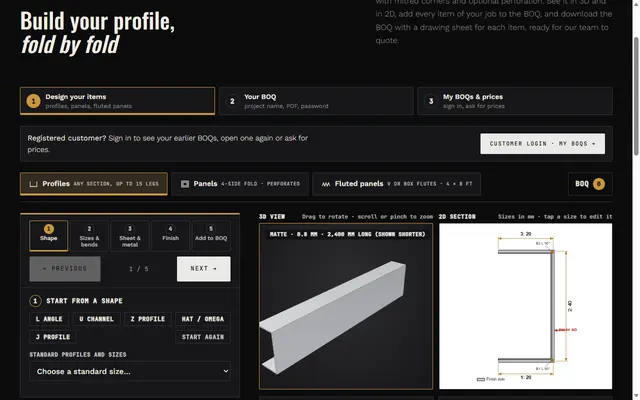
ToolsGetting started with the design tools
Draw a profile or a panel, see it in 3D and make a BOQ. Every tool starts with an example.
 Process
How a job runs (SOP)
From your enquiry to dispatch, step by step, and who does what.
 V-grooving
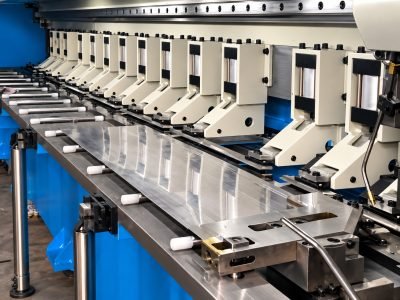
V-grooving vs normal bending
Why a V-grooved corner is sharp, and when you need it.
 Questions
Questions and answers
Thicknesses, sizes, finishes, quantities, delivery and more.
 Quote
QuoteSend a drawing
A DXF, a PDF, a sketch with sizes or a photo is enough to start.
 Your enquiry
Where is my enquiry?
Type your enquiry number and e-mail or phone to see its stage.
How the work is done
Complete steps,
in the order they happen
Drawing and real view
The drawing,
then the part
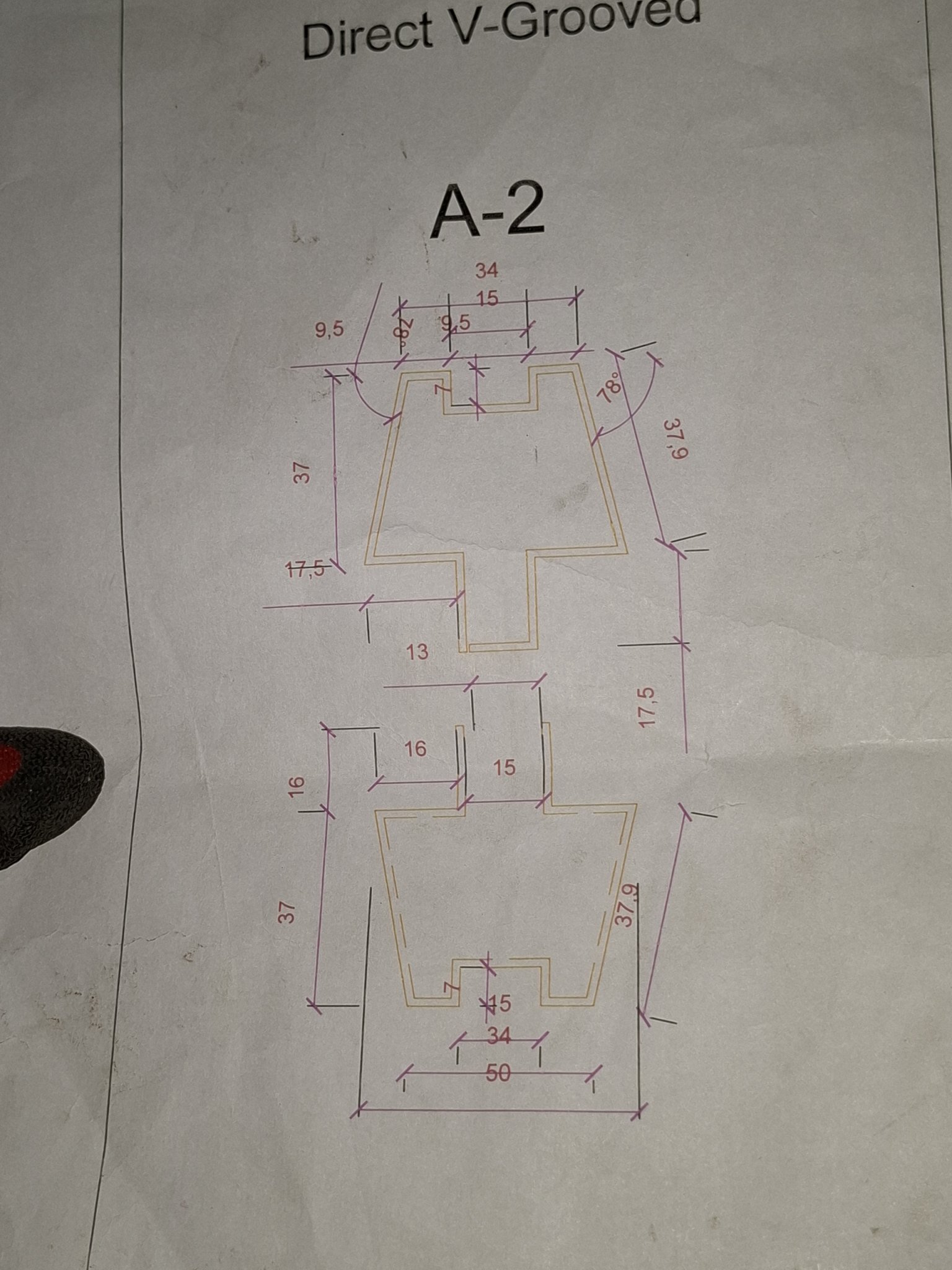

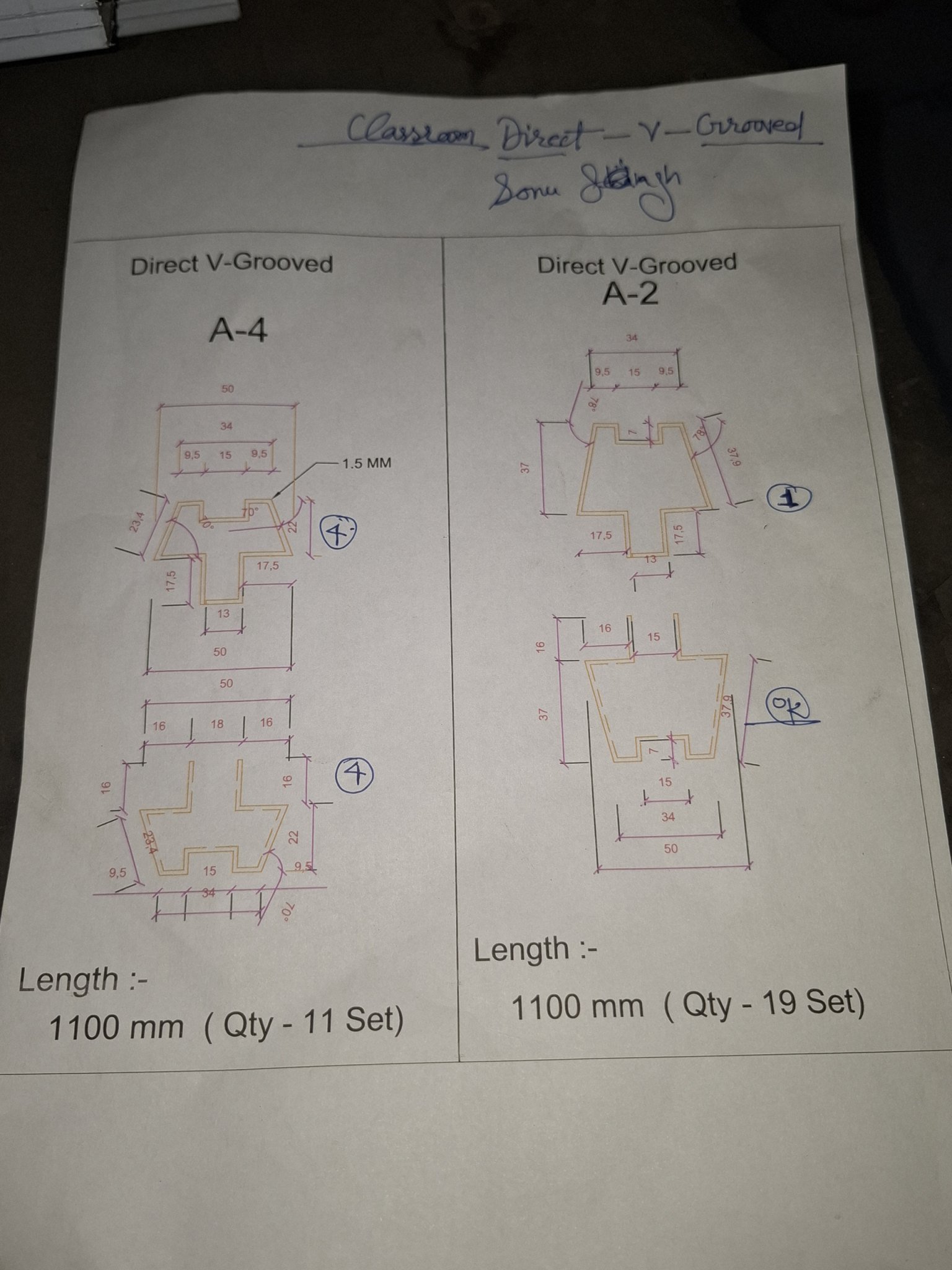
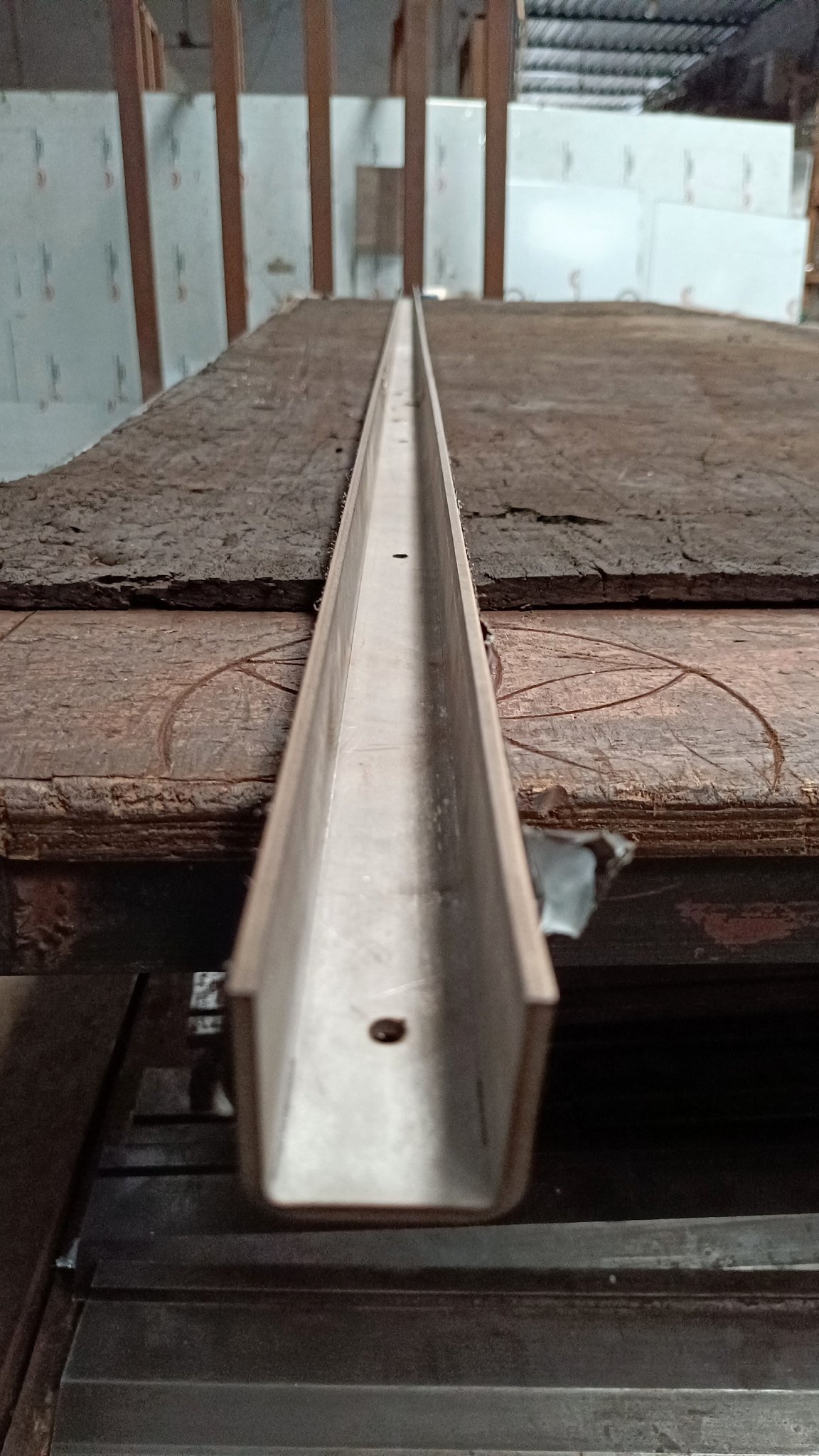
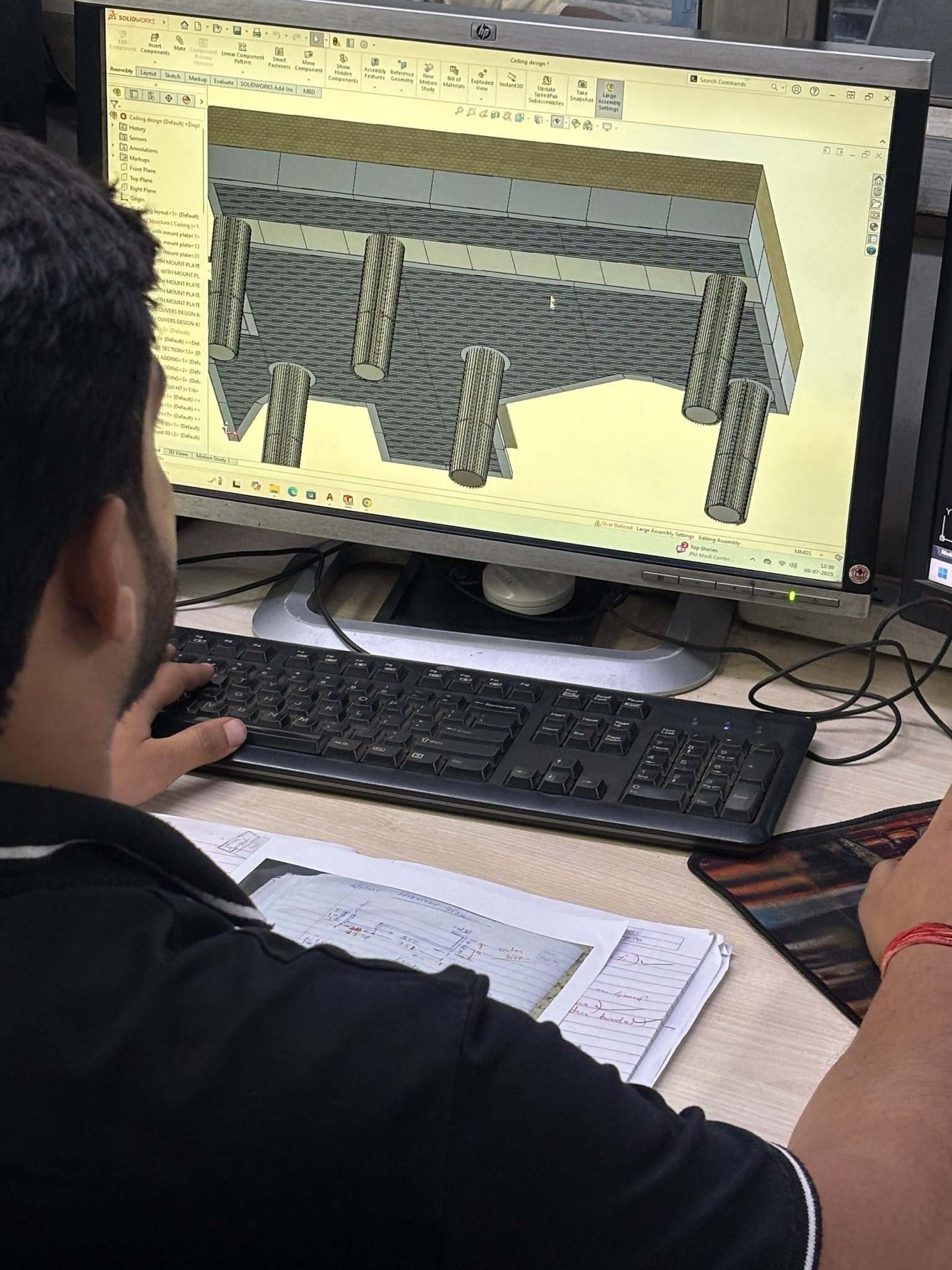
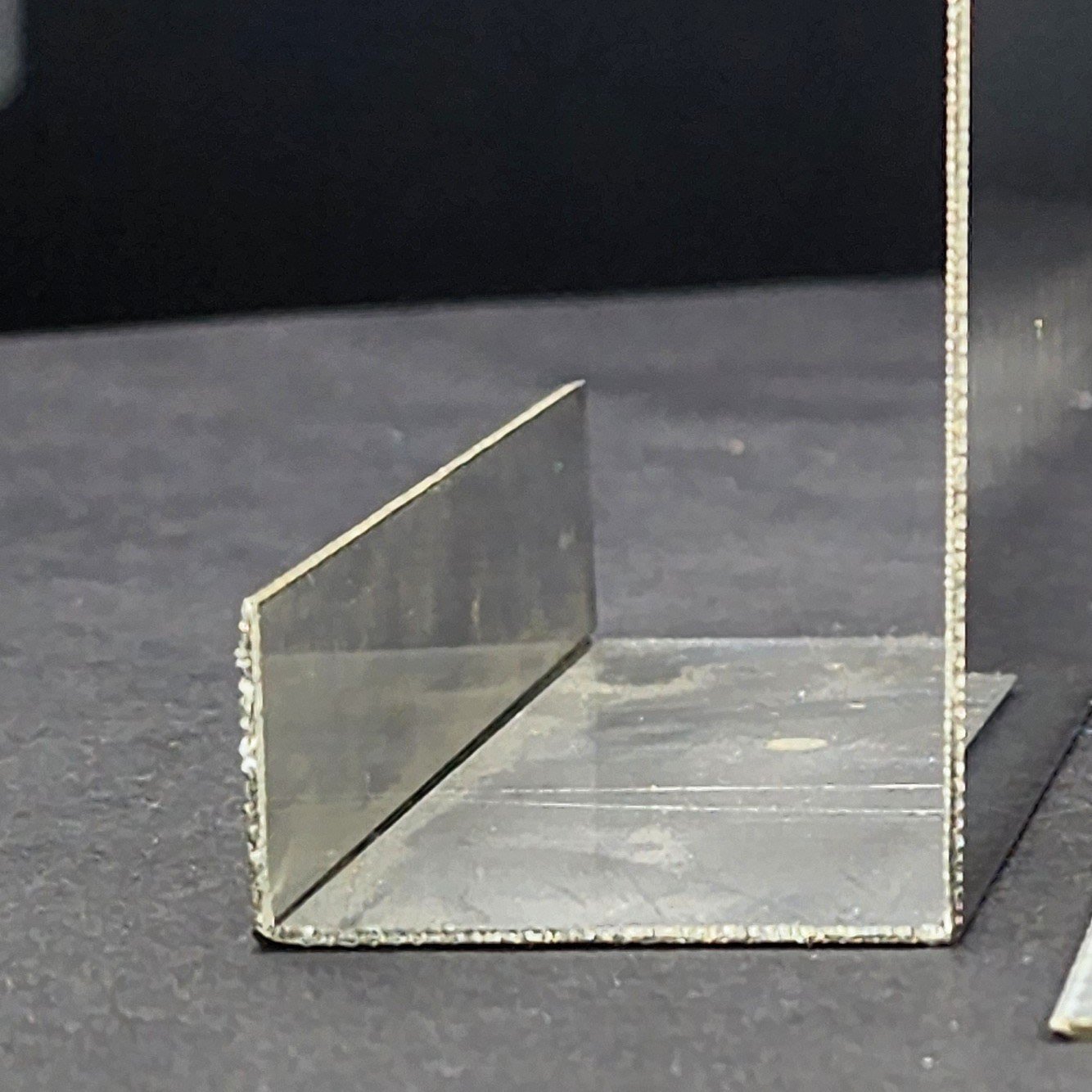
Every drawing we make is checked against the first piece before the batch. The section explorer shows each shape with its real part and its drawing.
How to use the tools
Each tool
in one minute
Draw a profile, see it in 3D
Type each leg in mm and its bend (left or right, the angle), pick the thickness, metal and finish. The drawing, the 3D view and the flat size follow. Finish: add it to your BOQ.
Panel builderA folded or perforated panel
Give the panel size and the folds on each side, then the holes: shape, size, pitch and the border kept blank. The sheet it comes from is shown.
Fluted builderA fluted (corrugated) panel
Set the flute width, depth and angle; the panel never comes out wider than the sheet you chose, or it offers a split.
BOQ builderYour bill of quantities
Every item you finish lands here with its drawing. Download the PDF, send it to MCS for a quotation, and find it again in My BOQs.
Perforation studioDesign a hole pattern
Round, slot, square or hexagon holes; pitch, stagger and borders; or let a photograph set the hole sizes. The open area is worked out for you.
Louver plannerPlan a louver screen
The opening size, blade depth, pitch and angle give the blade count, the frame and a drawing.
Bend simulatorWatch a V-grooved bend
A normal bend and a V-grooved bend side by side, folding in 3D: turn the corner to see why one is round and one is sharp.
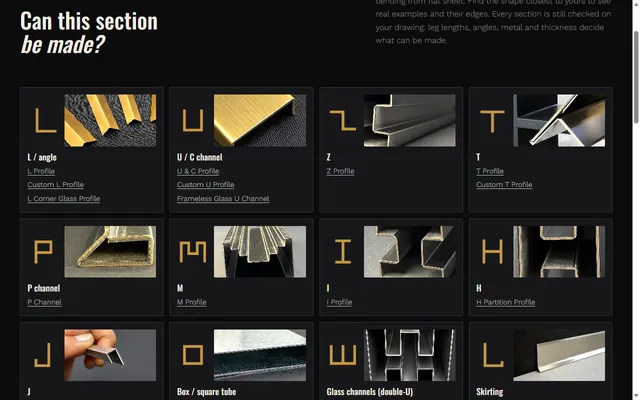
SectionsCan this section be made?
Every shape we fold with its real part and section drawing, and the limits that apply. Open one in the builder with your sizes.
Sheet wizardWhich sheet for my part?
Six short questions on the use, the finish and the place suggest the metal, grade and thickness, with the reasons.
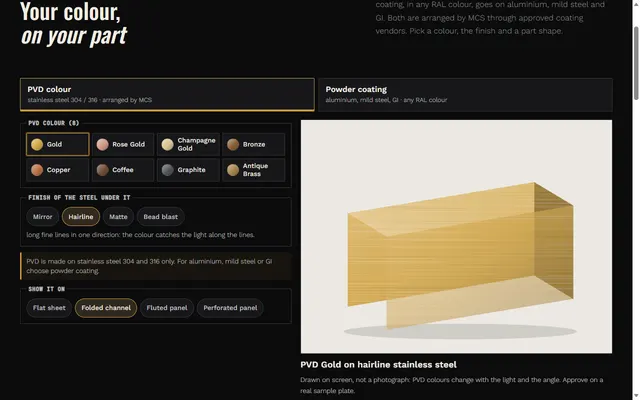
ColoursPVD and powder coating colours
See a PVD colour on stainless steel, or any RAL powder coat on aluminium, mild steel or GI, on a part shape. Screen colours are a guide; the sample decides.
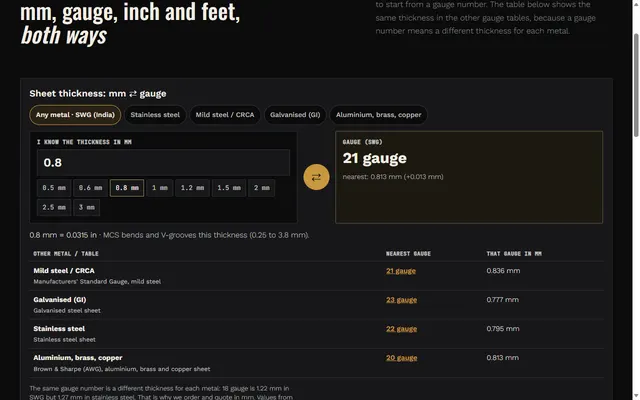
Convertermm, gauge, inch, feet
Sheet thickness mm to gauge for each metal, and mm, inch and feet both ways.
EnquiryWhere is my enquiry?
The enquiry number with the e-mail or phone you gave shows its stage, from received to dispatched.
Learn
Guides and
libraries
 Guides
Technical guides
V-grooving, metal ceilings, SS 304 vs 316, PVD vs powder coating, glass housing profiles.
 Metals
Materials
The metals we work from sheet, and what each is good for.
 Finishes
Finish library
Mirror, hairline, matte, bead blast, antique, PVD colours and powder coating.
 Colours
PVD and powder coating colours
See a PVD colour or any RAL powder coat on a real part shape.
 Sections
Section explorer
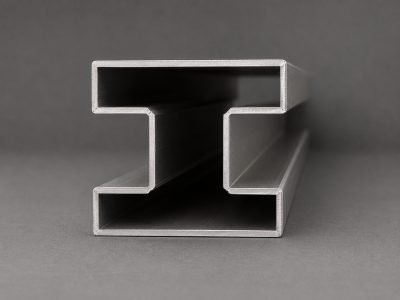
L, U, Z, T, J, box and glass channels we have made.
 Convert
mm, gauge, inch and feet
Sheet thickness mm to gauge for your metal, inches and feet, both ways.
Technical guides
Read before
you specify
What is CNC V-grooving?
What CNC V-grooving is, why it makes a folded corner sharp, what it costs in strength, and where it is worth specifying.
Read guideComparisonV-grooving vs conventional bending
Where the radius on a bent corner comes from, what V-grooving changes, and how to decide which bends are worth the extra operation.
Read guideGuideTypes of metal ceiling system
Baffle, linear, open cell, lay-in and clip-in metal ceilings: what each type hides, how you reach the services above, and how to choose.
Read guideMaterialSS 304 vs SS 316
What separates SS 304 from SS 316, where 304 is the correct choice, and which environments justify the extra cost of 316.
Read guideFinishPVD vs powder coating
How PVD and powder coating differ, which metals each one is used on, how each looks, and how to choose between them for a detail.
Read guideGuideGlass housing profile guide
What a glass housing profile must do: internal width, glass make-up, setting blocks, mounting type, and why the corner matters most.
Read guide
About MCS
Who
we are
 Company
About us
Sheet metal job work in Narela, Delhi, since 2001.
 Factory
Inside the factory
The stations a part goes through, quality checks and packing.
 Machines
Machinery
Fibre laser, CNC V-grooving and CNC press brake: what each one does.
 Design
Design and development
Drawing review, shop drawings, cut files and the drawings we make.
 Projects
Projects
Projects we have worked on.
 Customers
Who we work with
Fabricators, architects, contractors, interior and façade companies.
 Sectors
Sectors
Commercial, hospitality, residential, retail and infrastructure.
 Events
Events
Where to meet us.
 Online
Connect online
Our social pages, videos and Google profile.
Start a project
Still have
a question?
Call or WhatsApp us, or send the drawing: you get an enquiry number straight away.